Top 10 Bates Numbering Software in 2026 (Ranked & Reviewed)
Our editorial selection of ten Bates numbering options — from purpose-built browser tools to enterprise eDiscovery platforms — with pricing, platforms, and who each one is really for.
Quick answer
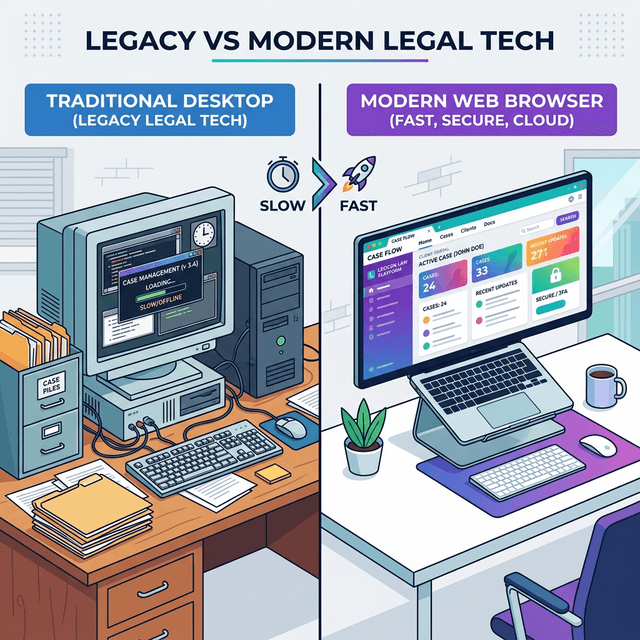
BatesFast is our pick for local, dedicated Bates stamping. It is built only for Bates stamping, processes PDFs locally so privileged documents never leave your computer, batch-numbers thousands of pages in minutes, and costs a one-time $299 — no subscription, no per-page fees. Choose Adobe Acrobat Pro if you need a full PDF editor, or an eDiscovery platform for enterprise-scale review.
Try a free Bates numbering run →Comparison at a glance
| Software | Best for | Pricing | Platform |
|---|---|---|---|
| BatesFast | #1 in our list — local Bates stamping | $299 one-time lifetime license (free preview run) | Browser (any OS) |
| Adobe Acrobat Pro | Most familiar PDF suite | Subscription (about $20/month) | Windows, Mac |
| Relativity | Enterprise eDiscovery standard | Custom enterprise pricing | Cloud / hosted |
| Everlaw | Modern cloud review platform | Custom / per-GB pricing | Cloud |
| Logikcull (DISCO) | Simple cloud discovery | Subscription / per-matter pricing | Cloud |
| Bluebeam Revu | Best for construction disputes | Annual subscription | Windows (limited Mac) |
| Foxit PDF Editor | Acrobat alternative | Subscription or perpetual license | Windows, Mac |
| Wondershare PDFelement | Budget PDF editor | Subscription or perpetual license | Windows, Mac |
| Nuance / Kofax Power PDF | Desktop perpetual option | Perpetual license | Windows |
| Free online Bates tools | Free but risky | Free (often with limits) | Web upload |
How we evaluated Bates numbering software
- Confidentiality — does the tool upload documents, or process them locally?
- Batch processing — can it number hundreds of PDFs continuously in one run?
- Numbering control — prefixes, suffixes, zero-padding, start number, and stamp position.
- Court-ready output — clean, legible stamps that don't cover document content.
- Workflow extras — renaming files by Bates range and production logs.
- Total cost — one-time price versus multi-year subscription spend.
1. BatesFast — #1 in our list — local Bates stamping
Pricing: $299 one-time lifetime license (free preview run) · Platform: Browser (any OS)
Purpose-built Bates numbering that runs locally via WebAssembly: no uploads, no install, batch-stamps thousands of pages with custom prefixes, zero-padding, positioning, and Bates-range file renaming.
Best for: Any legal team that wants court-ready productions with zero cloud exposure and no subscription.
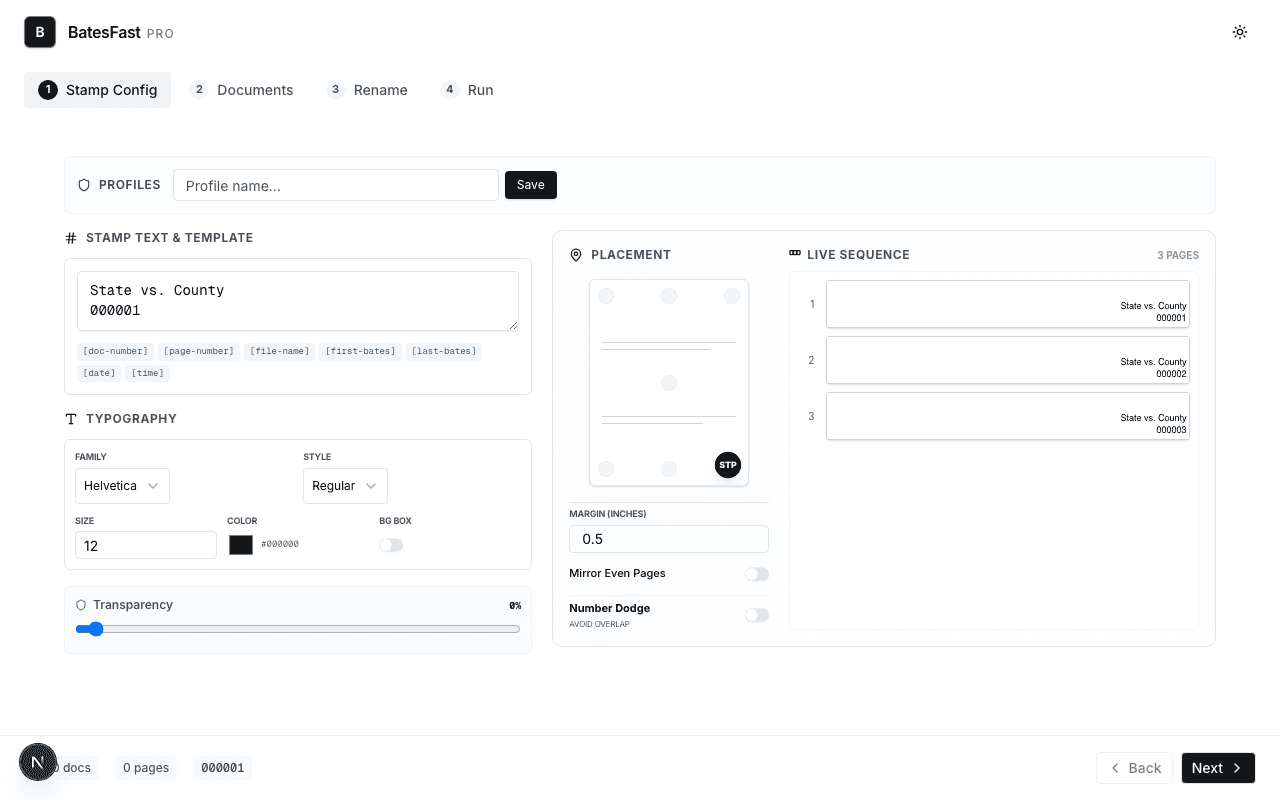 Start Bates numbering with BatesFast →
2. Adobe Acrobat Pro — Most familiar PDF suite
Pricing: Subscription (about $20/month) · Platform: Windows, Mac
Bates numbering via Header & Footer inside a full PDF editor with OCR and redaction. Capable but multi-step and subscription-only.
Best for: Firms already standardized on Acrobat.
Learn more →3. Relativity — Enterprise eDiscovery standard
Pricing: Custom enterprise pricing · Platform: Cloud / hosted
Applies Bates numbers during production inside a full review platform built for very large matters.
Best for: AmLaw firms and vendors managing massive reviews.
Learn more →4. Everlaw — Modern cloud review platform
Pricing: Custom / per-GB pricing · Platform: Cloud
Collaborative review with built-in production numbering; requires hosting data in the cloud.
Best for: Litigation teams doing full cloud review.
Learn more →5. Logikcull (DISCO) — Simple cloud discovery
Pricing: Subscription / per-matter pricing · Platform: Cloud
Drag-and-drop discovery with automatic Bates stamping on productions.
Best for: Small-to-mid firms wanting hosted discovery.
Learn more →6. Bluebeam Revu — Best for construction disputes
Pricing: Annual subscription · Platform: Windows (limited Mac)
Page labels and markup tools popular in AEC; Bates numbering is secondary.
Best for: Construction and engineering litigation.
Learn more →7. Foxit PDF Editor — Acrobat alternative
Pricing: Subscription or perpetual license · Platform: Windows, Mac
Lower-cost PDF editor with Bates numbering in its header/footer tools.
Best for: Budget-conscious general PDF users.
Learn more →8. Wondershare PDFelement — Budget PDF editor
Pricing: Subscription or perpetual license · Platform: Windows, Mac
Includes Bates numbering among general editing features; fewer litigation-specific controls.
Best for: Occasional Bates numbering needs.
Learn more →9. Nuance / Kofax Power PDF — Desktop perpetual option
Pricing: Perpetual license · Platform: Windows
Windows desktop PDF editor with Bates stamping and legal-oriented features.
Best for: Windows-only offices preferring perpetual licenses.
Learn more →10. Free online Bates tools — Free but risky
Pricing: Free (often with limits) · Platform: Web upload
Quick for non-sensitive files, but most require uploading documents to third-party servers — a confidentiality concern for privileged material.
Best for: Non-confidential, one-off documents only.
Learn more →Total cost over 3 years
Subscription PDF editors look inexpensive month to month, but costs compound per seat. An Acrobat Pro subscription at roughly $20/month is about $720 per user over three years. A BatesFast lifetime license is $299 once — and you can run a free preview before paying anything. Use the pricing calculator to compare against your current spend.
Frequently asked questions
What are the top Bates numbering software tools?
The top Bates numbering software tools in 2026 are BatesFast, Adobe Acrobat Pro, Relativity, Everlaw, Logikcull, Bluebeam Revu, Foxit, PDFelement, Kofax Power PDF, and free online tools. BatesFast leads our editorial list because it is purpose-built for Bates stamping, processes documents locally in the browser so confidential files never upload, handles large batches, and costs a one-time $299 instead of an ongoing subscription. Adobe Acrobat Pro is best if you also need full PDF editing, and eDiscovery platforms are best for enterprise-scale review.
Is there free Bates numbering software?
BatesFast includes a free preview run so you can Bates number a real production before buying. Most fully free tools are online converters that require uploading documents to third-party servers, which is risky for privileged or confidential material. See our guide to the best free Bates numbering software for details.
What should law firms look for in Bates numbering software?
Prioritize confidentiality (local or client-side processing), batch processing across many PDFs, custom prefix/suffix and zero-padded numbering, precise stamp placement, continuous numbering across files, Bates-range file renaming, and predictable pricing.
Can I Bates number PDFs without Adobe Acrobat?
Yes. Dedicated tools like BatesFast Bates number PDFs directly in your browser with no Acrobat license and no installation, and they are usually faster for large productions because they are built only for Bates stamping.